Photo to Rap Video for Performers and Duos
Animate a portrait, pet photo or prepared duo image. Direct the movement, choose framing and create a short rap-performance clip from your image.
Loading your studio…
How photo to rap video turns a still into motion
The photo supplies the appearance and composition, while your prompt directs the movement.
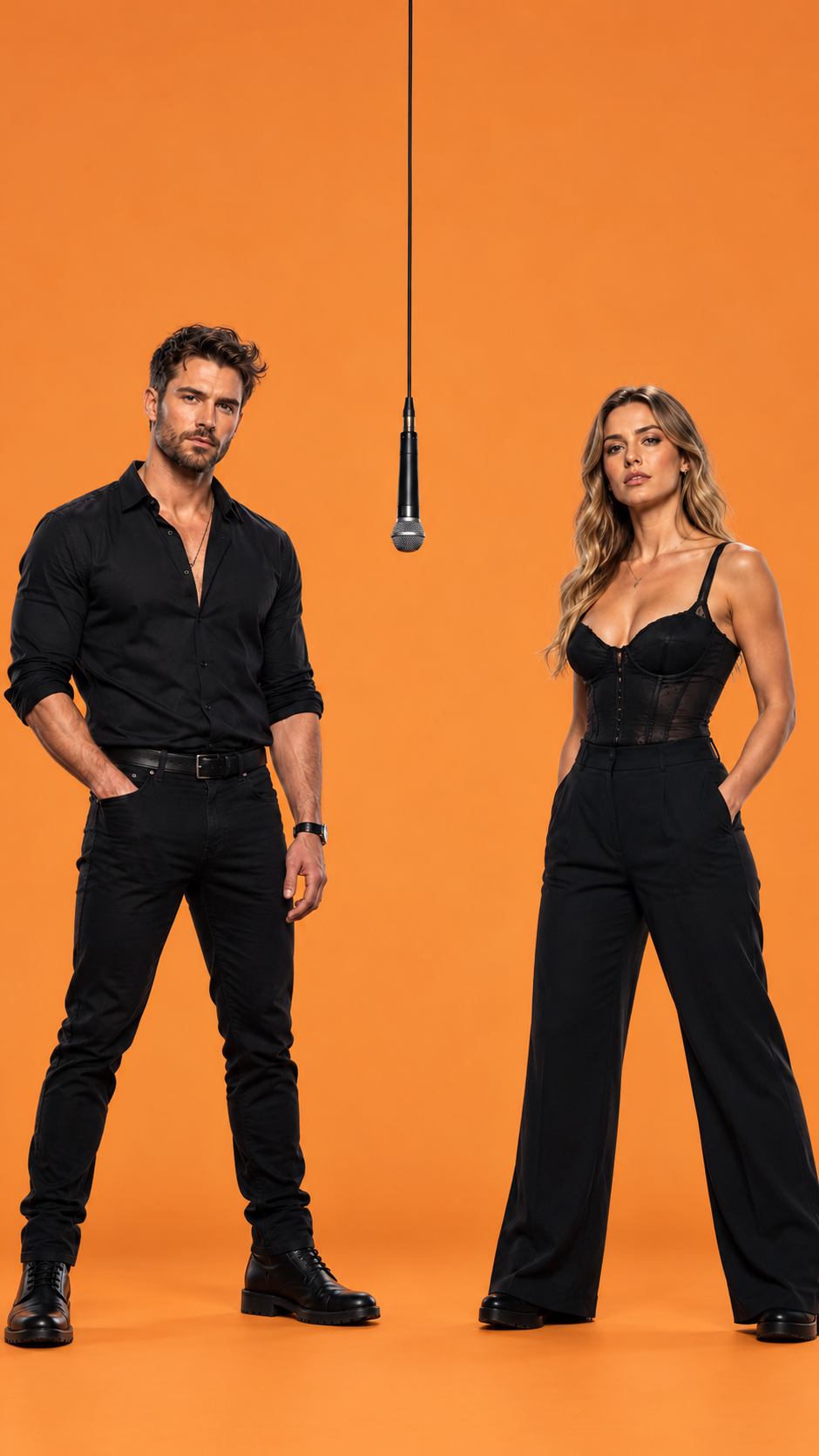
Establish. Perform. Hold.
Start in a readable frame, use one small gesture and finish in a still pose. These samples were generated with the same website pipeline.
Animate this duo image. The left performer leads with small hand gestures while the right performer nods and responds. Both stay in their starting positions. Use a fixed medium camera and gentle shoulder movement. Preserve distinct faces and clothing.
One performer
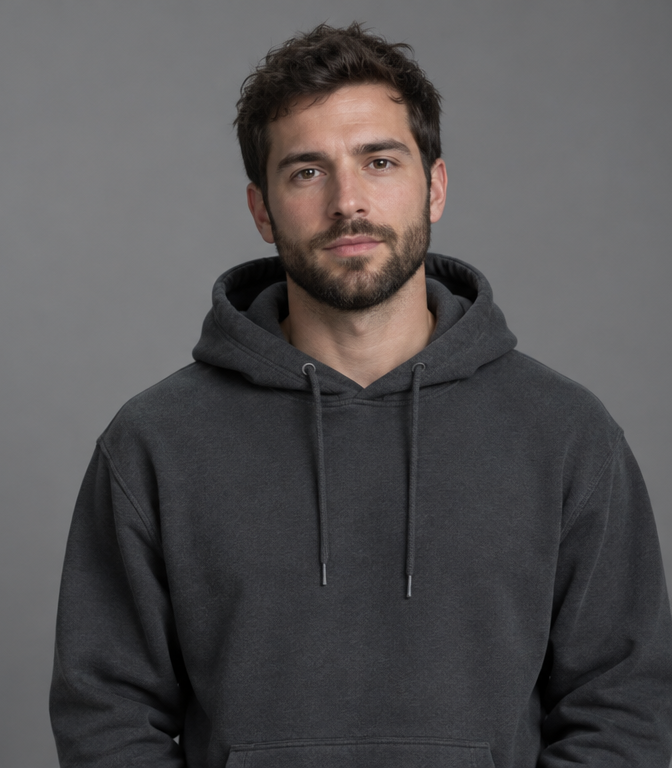
Choose one readable portrait. The image supplies the face, clothing and starting composition. Photo to rap video starts from the appearance and arrangement in your chosen frame. Image to rap video works with one performer or a prepared duo image, while a motion prompt supplies the small actions. To animate portrait details clearly, keep the face large enough to read and avoid a heavy crop.
A prepared duo frame
Use a completed duo photograph when both people are already positioned together. Use Rap Duo for two separate portrait inputs. For photo to rap video, the initial picture should already show the clothing and surroundings you want. Image to rap video cannot reveal a hidden hand with the certainty of a filmed reference. Give the motion prompt one visible gesture, then compare it with the starting pose.
Choose photo to rap video when appearance is already established in the reference. Image to rap video should animate portrait detail that the picture actually shows. A pet rap video needs the same clear starting posture. Keep the motion prompt limited to that visible pose, then compare the first generated frames before asking for a second movement or a moving camera.
Make your pet perform with photo to rap video
Animate a clear pet portrait with restrained head movement and a simple music-stage scene.
Friends in the Orange Booth
Two portraits · one orange studio
Seedance 2 Mini · 496 × 864 · 24 fps · generated audio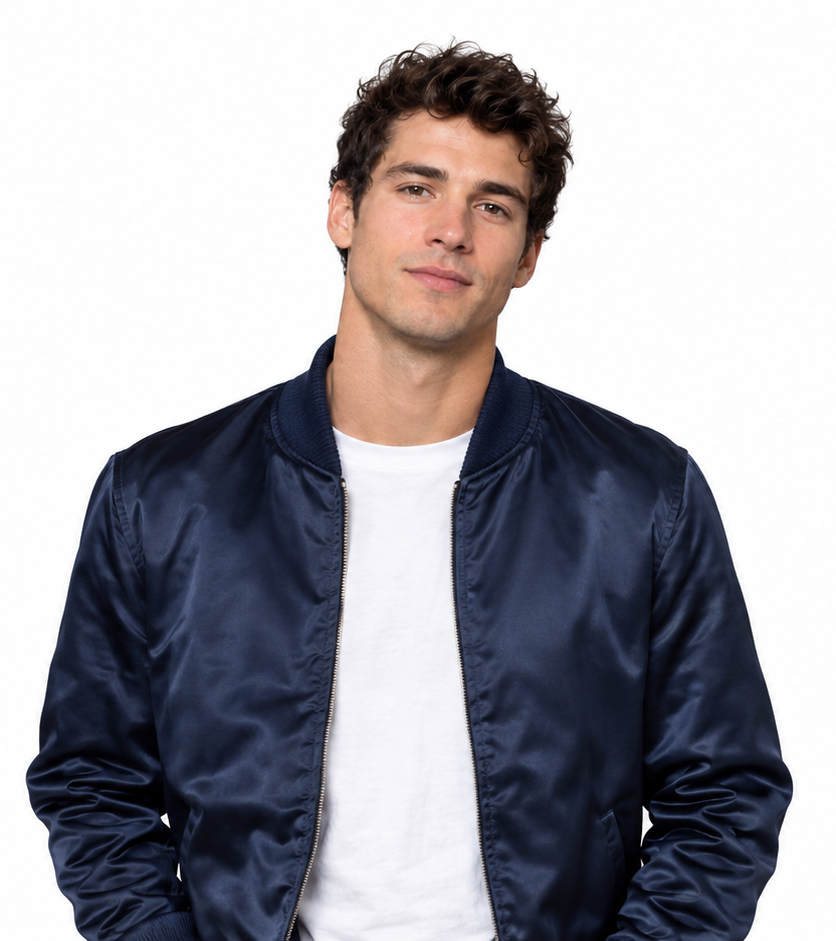 +
+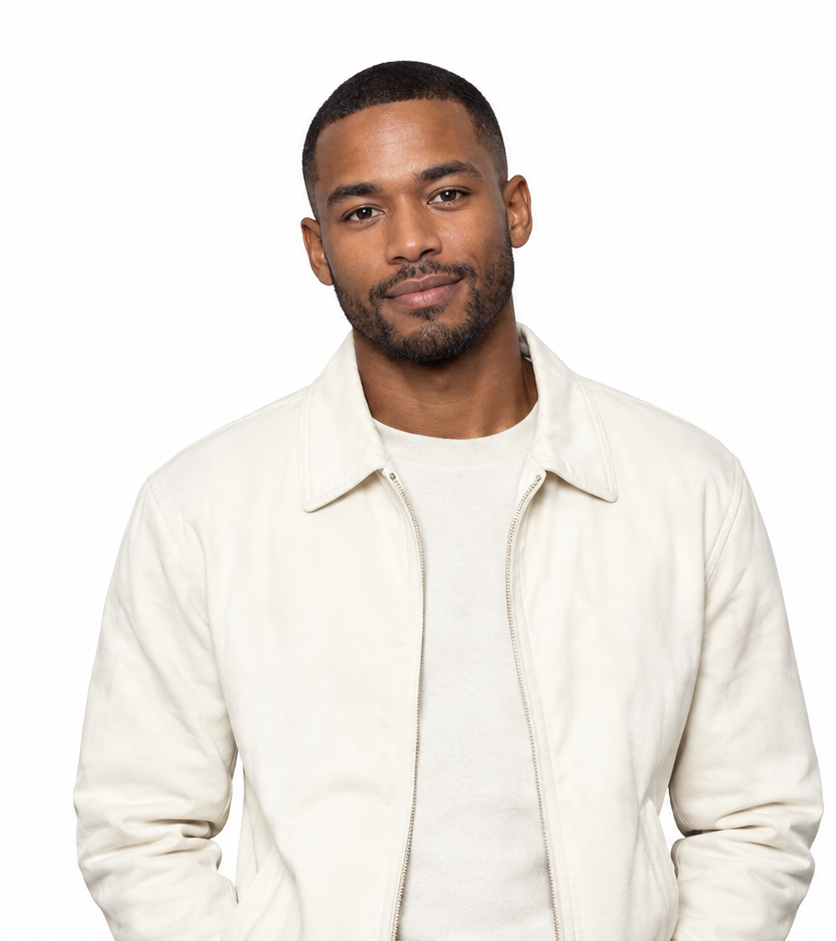 →One shared performance
Prompt & output settings
Create a short rap performance using these two portraits. Photo 1 is the left performer and Photo 2 is the right performer. Preserve the distinct faces, clothing and markings. Place both in a seamless warm orange studio with one silver microphone hanging between them. Locked waist-up camera. Both nod gently to an original rhythmic beat, then the left leads and the right responds with small shoulder movements, ending looking toward the camera. Exactly two subjects, no crossing positions. Small gestures and clear faces. Original instrumental hip-hop beat; no existing song or lyrics.
Two reference portraits → a requested 10-second vertical video. Measured output: 10.08 seconds, 496 × 864, 24 fps, with an AAC audio track. Seedance 2 Mini, 480p setting. The actual generation record includes the full submitted direction.
View generation recordCouple Birthday Verse
Two portraits · a cyan birthday stage
Seedance 2 Mini · 496 × 864 · 24 fps · generated audio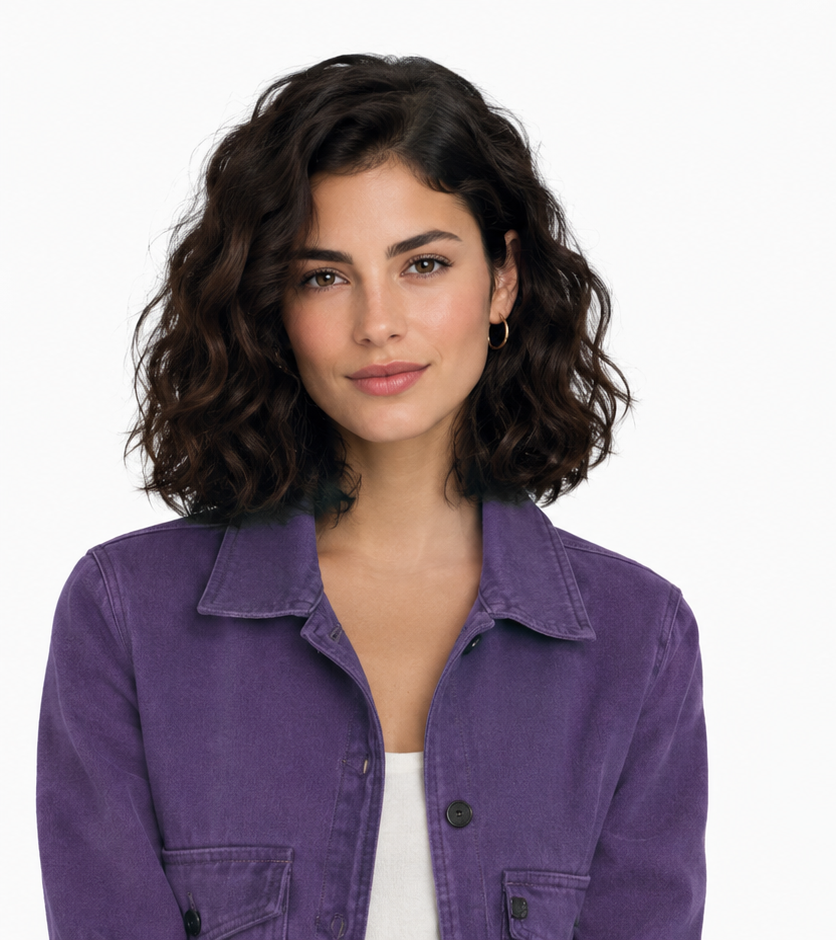 +
+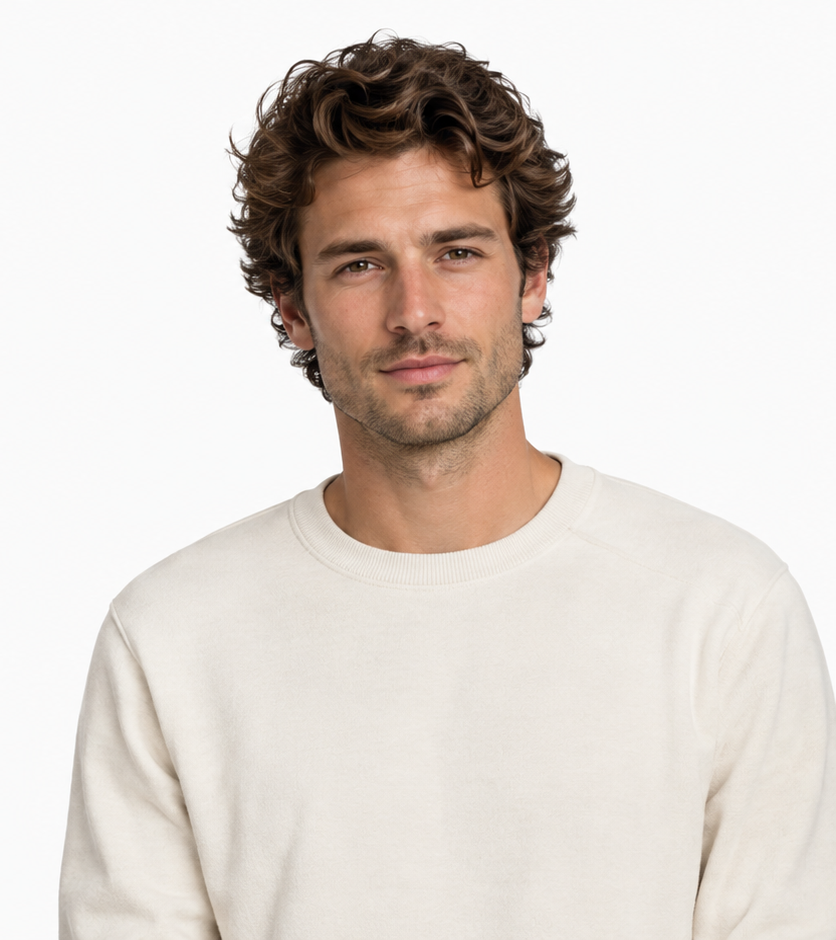 →One shared performance
Prompt & output settings
Create a short rap performance using these two portraits. Photo 1 is the left performer and Photo 2 is the right performer. Preserve the distinct faces, clothing and markings. Place both in a graphite birthday stage with cyan confetti lighting and a suspended microphone. Locked waist-up camera. Both nod gently to an original rhythmic beat, then the left leads and the right responds with small shoulder movements, ending looking toward the camera. Exactly two subjects, no crossing positions. Small gestures and clear faces. Original instrumental hip-hop beat; no existing song or lyrics.
Two reference portraits → a requested 10-second vertical video. Measured output: 10.08 seconds, 496 × 864, 24 fps, with an AAC audio track. Seedance 2 Mini, 480p setting. The actual generation record includes the full submitted direction.
View generation recordPet Partners
Two cats · small head and body movements
Seedance 2 Mini · 496 × 864 · 24 fps · generated audio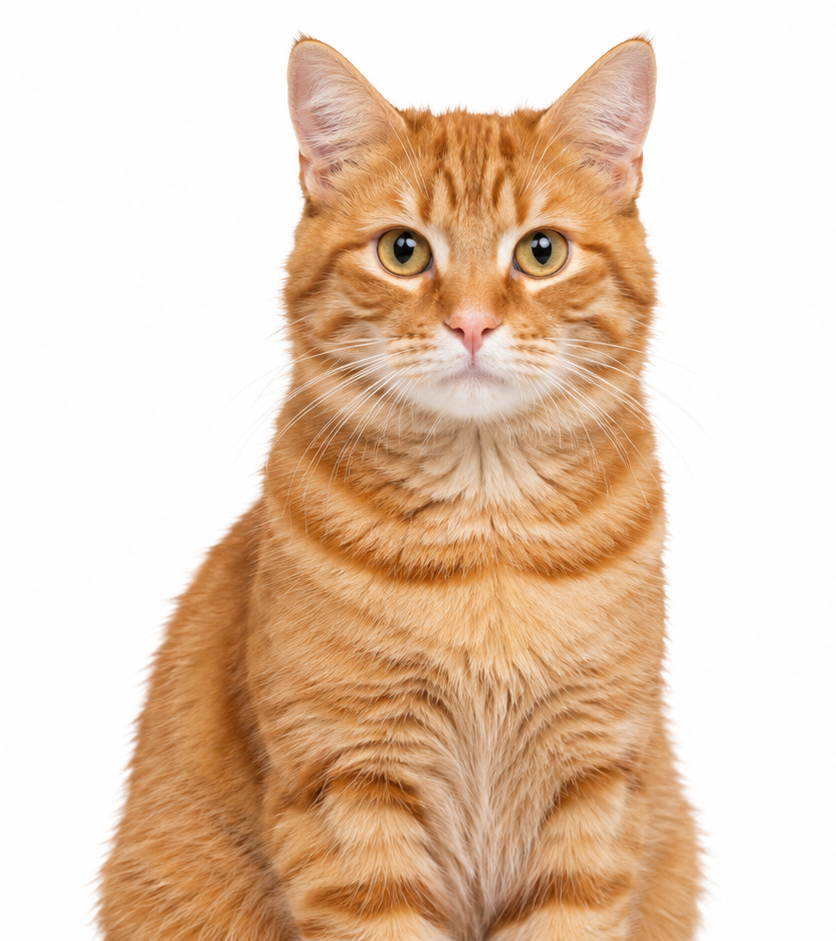 +
+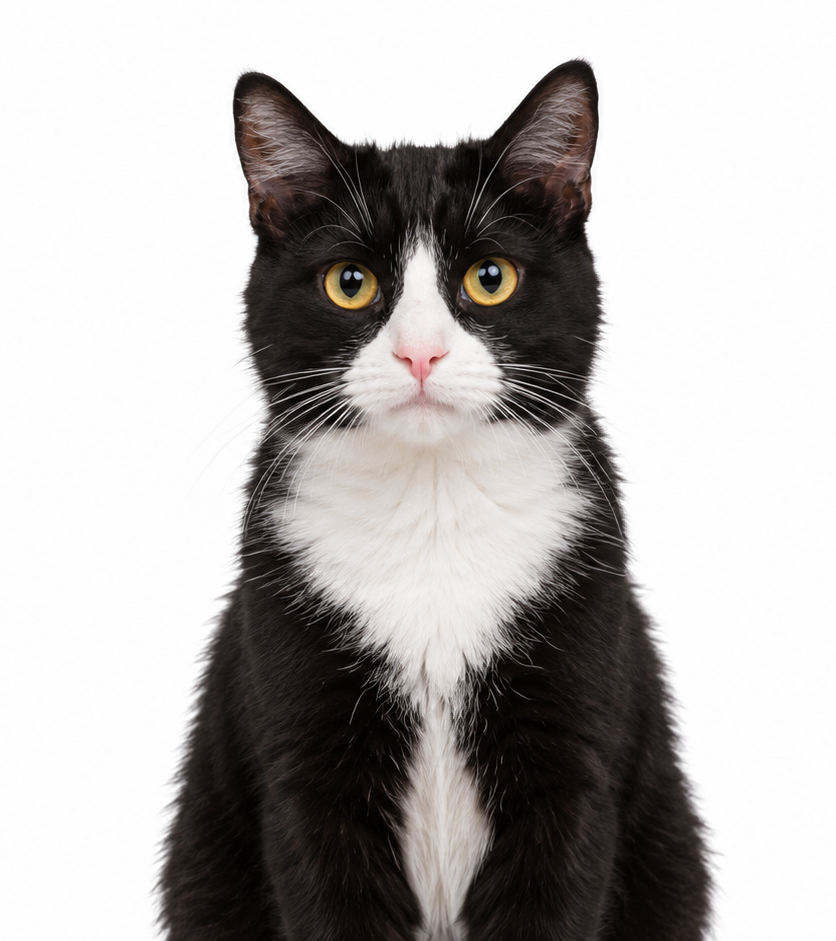 →One shared performance
Prompt & output settings
Create a short rap performance using these two portraits. Photo 1 is the left performer and Photo 2 is the right performer. Preserve the distinct faces, clothing and markings. Place both in a small warm orange music stage with a suspended microphone. Locked waist-up camera. Both nod gently to an original rhythmic beat, then the left leads and the right responds with small shoulder movements, ending looking toward the camera. Exactly two subjects, no crossing positions. Preserve natural cat anatomy; gentle head bobs and body sway, no human hands. Original instrumental hip-hop beat; no existing song or lyrics.
Two reference portraits → a requested 10-second vertical video. Measured output: 10.08 seconds, 496 × 864, 24 fps, with an AAC audio track. Seedance 2 Mini, 480p setting. The actual generation record includes the full submitted direction.
View generation recordStreet Cypher
Two performers · a brick-lined street
Seedance 2 Mini · 496 × 864 · 24 fps · generated audio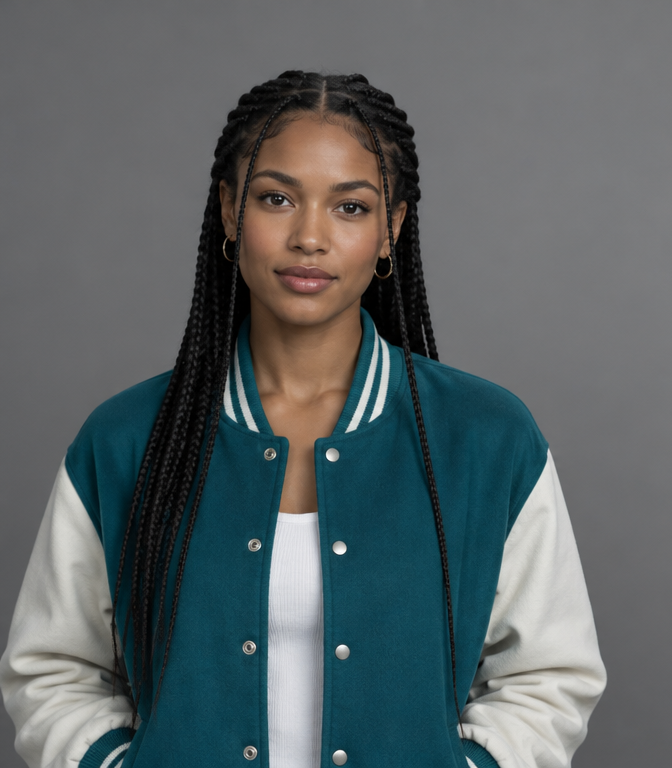 +
+ →One shared performance
Prompt & output settings
Create a short rap performance using these two portraits. Photo 1 is the left performer and Photo 2 is the right performer. Preserve the distinct faces, clothing and markings. Place both in a quiet brick-lined city street at dusk with soft cyan rim lighting and one microphone. Locked waist-up camera. Both nod gently to an original rhythmic beat, then the left leads and the right responds with small shoulder movements, ending looking toward the camera. Exactly two subjects, no crossing positions. Small gestures and clear faces. Original instrumental hip-hop beat; no existing song or lyrics.
Two reference portraits → a requested 10-second vertical video. Measured output: 10.08 seconds, 496 × 864, 24 fps, with an AAC audio track. Seedance 2 Mini, 480p setting. The actual generation record includes the full submitted direction.
View generation recordA clear pet portrait
Show the eyes, ears, muzzle and distinctive fur pattern in the starting image. A pet rap video needs a sharp view of the animal's muzzle, eyes and distinctive markings. Photo to rap video can use gentle head bobs without requesting human anatomy. Write the motion prompt around the animal's real posture, and keep the camera near its eye level.
Small rhythmic movements
Ask for a few head bobs and a small body sway, preserving natural anatomy. Use image to rap video for a single pet or a prepared duo image of two animals. A pet rap video is easier to follow when the partners stay apart and react with small movements. To animate portrait features consistently, avoid a complete turn away from the camera.
A playful stage
Keep the microphone and scenery simple, with no objects across the face. Review a pet rap video without sound first so you can judge its anatomy. A catchy soundtrack can hide a drifting ear or muzzle. In photo to rap video, revise the motion prompt before changing the whole scene when the starting photograph is already clear.
Image to rap video can use a familiar animal's ordinary posture instead of an elaborate stage action. To animate portrait features in a pet rap video, keep the eyes and muzzle clear throughout the shot. Start with one small nod, inspect the result at normal size and retain the approved starting image when comparing the next attempt.
Animate this duo image. The left performer leads with small hand gestures while the right performer nods and responds. Both stay in their starting positions. Use a fixed medium camera and gentle shoulder movement. Preserve distinct faces and clothing.
Keep a duo clear in photo to rap video
Keep each performer on one side and use small, independent movements in a shared frame.
Fixed left-right positions
Assign the left person to stay left and the right person to stay right for the whole clip. A duo image should establish both identities before you use image to rap video. Assign a different small action to each side in the motion prompt. Photo to rap video keeps a shared performance easier to read when neither performer crosses in front of the partner.
Independent reactions
Give one performer a small gesture and the partner a nod. Remove instructions that make them cross or overlap. The same rule applies to a pet rap video with two animals: leave a visible gap and keep the starting scale. To animate portrait references from a shared frame, request a nod or shoulder movement rather than synchronized spins. Check each subject independently in the result.
In photo to rap video, image to rap video can preserve a readable duo image while each partner reacts independently. A pet rap video follows the same arrangement. To animate portrait details clearly, let the motion prompt give each subject a different small action rather than asking both to compete for the center of the frame.
Fix drifting motion in photo to rap video
Shorten the action and simplify the camera when faces, hands or positions drift.
Smaller head turns
Reduce head rotation and keep the gaze near the camera if the face drifts. When image to rap video changes a face too much, reduce the rotation in the motion prompt. A clearer duo image may help if the subjects overlap at the start. Photo to rap video should be tested with one restrained action before you add a moving camera.
Simpler hand gestures
Replace fast, complex hand movement with one relaxed open-hand gesture. In a pet rap video, simplify a complicated paw gesture to a small body sway. To animate portrait detail with less drift, keep the gaze toward the camera and reduce occlusion. Compare the new version with the saved starting picture at similar sizes.
Steadier framing
Use a fixed medium camera and a wider composition if a subject leaves the frame. Change one variable before generating another version. A photo to rap video revision should solve a visible problem. If image to rap video changes a pet rap video too much, animate portrait detail with a smaller turn and an unobstructed face. Revise that part of the motion prompt first. Keeping the reference unchanged makes it easier to see whether the new action improved the result.
Keep creating from your photo to rap video result
Save the video or carry a result frame into the next image or animation task.
Download the result
Use Download in the result panel or the account’s recent-task list. Download the approved photo to rap video output before trying another version. Image to rap video can reuse the same duo image while you change the motion prompt. That makes the change in movement easier to judge than a version with new lighting and a different crop.
Make another version
Make another version retains the reference and prompt so you can change the movement. Keep a pet rap video and its starting reference together when planning a follow-up. To animate portrait details in a continuation, choose a clear final frame and request a small next action. A new duo image should preserve the same positions if you want the edit to feel continuous.
Edit the last frame
Use last frame as image to start a new edit or animation. Check the result’s audio before adding another track. Save the photo to rap video direction beside the output. Image to rap video can revisit a pet rap video with the same framing if you retain that record. To animate portrait detail in the next shot, start from a clear final frame. The motion prompt should continue the visible posture instead of requesting a sudden jump to another action. Animate portrait features with the original reference visible.
Photo to Rap Video FAQ
Can I animate a pet photo?
+
Use a clear image showing the pet's face and markings, then choose small rhythmic movements and a simple scene.
Can I upload a photo with two people?
+
Yes. A prepared duo image supplies the shared composition; assign left and right movements in the prompt.
Why does the face change during movement?
+
Large head turns, occlusion and ambiguous references can change facial detail. Use clearer reference features and smaller actions.
Where can I find an earlier video?
+
Open your account's generation history to view earlier results and available download or editing actions.
Can I add the original song after export?
+
Import the video into an editor and add the selected recording, or use the destination platform's sound picker when the track is available.